Players want a safe account before they want anything else, and Skyexchange builds its reputation on that trust. Online threats grow smarter every year, so luck no longer protects anyone. Small, consistent habits do. This guide shows you practical steps that keep your access private, your balance secure, and your experience smooth.
Why Account Security Deserves Your Attention
Your Sky Exchange ID acts as the key to your profile, your balance, and your activity history. If someone else gets hold of it, they can misuse everything attached to it. Moreover, account takeovers rarely announce themselves. A stranger may watch your account quietly for days before acting. Prevention therefore beats recovery every time. The platform provides the tools, and you complete the protection with careful habits.
Sky Exchange Login Security Starts With a Strong Password
Begin with your password, because it forms your first line of defence. Create a phrase of at least twelve characters that mixes uppercase letters, lowercase letters, numbers, and symbols. Avoid birthdays, phone numbers, and favourite team names, since friends and strangers can guess them easily.
Next, make the password unique. When you reuse one password across email, shopping, and gaming accounts, a single leak exposes them all. A reputable password manager solves this problem by generating and storing complex passwords for you. Finally, update your password every few months, and change it immediately after any suspicious event.
Make Every Sky Exchange Login Safer
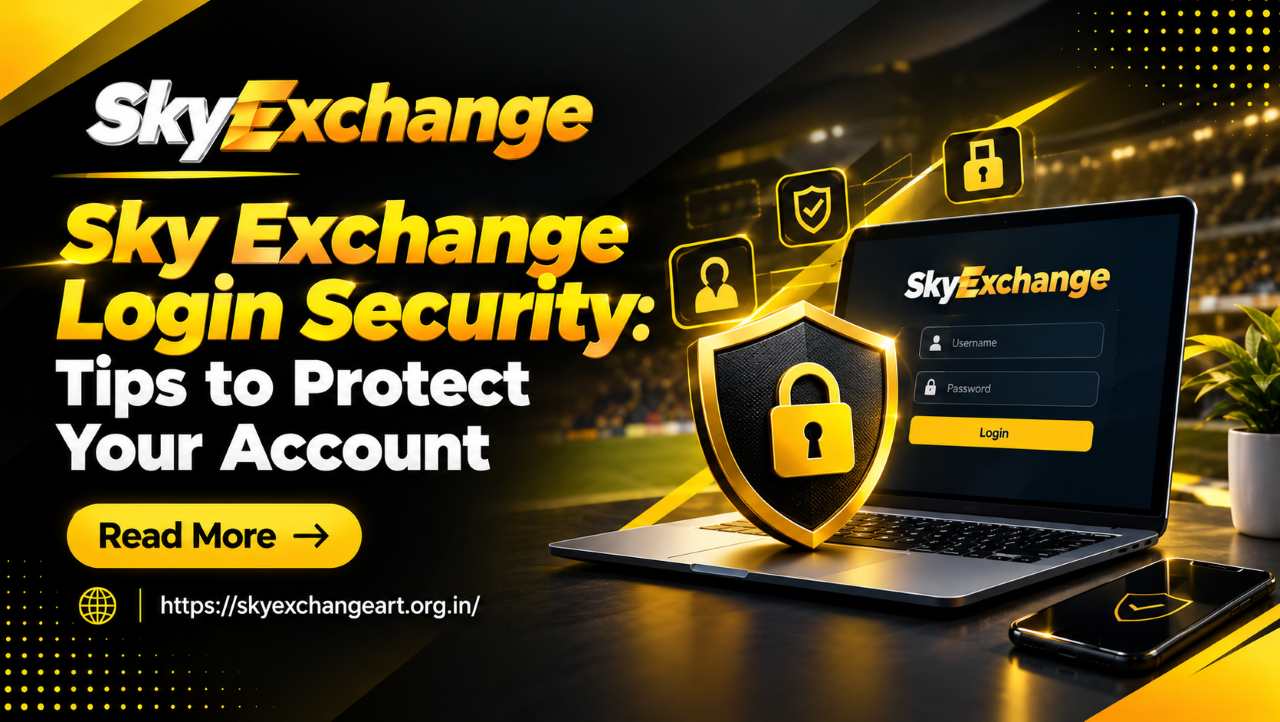
Good habits matter most at the moment you sign in. Every Sky Exchange login should happen on a device you own and trust. Public computers, shared office systems, and café Wi-Fi all carry hidden risks, because attackers can capture keystrokes or intercept data on open networks. If you must connect away from home, switch to your mobile data instead.
Additionally, type the official web address yourself rather than tapping a link in a message. Check that the page uses a secure connection before you enter a single character. Keep your browser and operating system updated, too, since updates patch the flaws that criminals exploit. Lastly, log out after every session.
Protect Your Online Betting ID From Phishing and Sharing
Phishing remains the most common way people lose access. Scammers send convincing emails, texts, and chat messages that claim your account faces suspension or promise a surprise reward. They then push you toward a fake page that copies the real design. Treat every unexpected message with suspicion.
Your online betting ID and password belong to you alone, so never share them with agents, friends, or anyone who claims to offer help. Genuine support teams never ask for your full password or one-time codes. Likewise, ignore anyone who offers to manage your account for a fee. When doubt arises, close the message and contact official support directly.
Also Read: How to Create a Sky Exchange ID: A Step-by-Step Guide
Stay Alert During Match Days
Big matches bring big crowds, and scammers follow crowds. Fraudsters launch fake offers during major tournaments, and they target excited players who act quickly. If you hold an online cricket ID, slow down before you click anything during a high-profile fixture. Rushed decisions cause most security mistakes.
Furthermore, avoid modified apps or unofficial downloads, and install software only from trusted sources. Review your account activity after each busy match day so that you spot odd entries early.
Responsible Gaming Strengthens Account Safety
Security and responsible gaming work hand in hand. Players who set clear limits on time and spending notice unusual activity faster because they know their normal patterns. Decide your budget before each session, stick to it, and take regular breaks. Never chase losses, and never play with borrowed money.
Remember, too, that only adults should play, and you should always confirm that online betting is legal where you live. If playing stops feeling enjoyable, step away and seek support. A calm, balanced mindset protects both your wallet and your account.
Act Fast If You Suspect a Breach
Even careful players sometimes face problems. If you notice unfamiliar activity, change your password immediately and log out of every device. Next, secure the email address linked to your account, since attackers often use it to reset passwords. Contact official support quickly, describe what you saw, and keep screenshots as evidence. Finally, scan your device with trusted security software to remove hidden threats.
Also Read: How to Access Sky Exchange for Online Cricket Betting
Final Thoughts
Sky Exchange login security is a habit rather than a one-time task. Strong passwords, trusted devices, alert reactions to phishing, and disciplined play all work together to keep your account safe. Build these steps into your routine today, and you will enjoy every session with confidence.
Frequently Asked Questions
Change it every three to four months. Update it immediately if you notice suspicious activity or use a shared device.
Avoid it whenever possible. Open networks let attackers intercept data, so use your private mobile data or a trusted home connection.
Do not reply or click anything. Genuine support teams never request your full password or verification codes, so report the message to official support.
No. Sharing credentials exposes your balance and personal information, and it makes recovery much harder if something goes wrong.
Type the official address manually, confirm the secure connection indicator, and never trust pages opened from unsolicited messages.